We guide you from the first idea to go-live: strategy, architecture, design and enabling your team. As partners, with one clear goal: afterwards, you run your intranet yourself.

A good intranet is not a licensed product but a place your company shapes itself. Every project we run is built around that.

Create one central place for collaboration and communication that everyone can rely on.
Make full use of the Microsoft 365 licenses you already have and get the most out of them.
Enable everyone involved to run and develop the platform on their own.
Replace third-party systems that create extra costs and data silos, wherever possible.
No unnecessary recurring costs and no new dependencies.

We work transparently and as partners. And we enable your team to master the technology itself.
First results don’t sit in the distant future. Rapid prototyping produces something tangible early on, which we then develop further together.
Our templates and products bring typical solutions, examples and best practices to the project right from the start.
We love what we do. That’s why we deliver professional results quickly and with attention to detail.
Every project starts somewhere different. We meet you where you are today.
You don’t have an intranet yet, but you do have SharePoint, and you want to create a central place for content and communication.
Our approach
We build a new intranet, knowledge portal or news portal with you.
There is content, but the structures no longer fit, and the portal needs a thorough overhaul.
Our approach
We rebuild the structures in a user-friendly way and carry over the relevant content. Cleanup included.
Your portal works, but a new section or better usability should bring a breath of fresh air.
Our approach
We add a topic area, refresh the home page or add new features.
From a quick first step to a digital workplace for the whole company.
News
Knowledge
Departments and teams
Small features, big impact. For one topic, you get a fixed budget of consulting and design hours – a strong first step. Possible focus areas: news with channels, tags, archive and subscriptions; knowledge as a small learning portal, wiki or document database; or pages for departments and teams that also serve as templates for more.
Best practices
Proven designs
For getting started when there is no intranet yet and the budget is tight. We bring our proven designs, features and best practices. You handle most of the internal communication and rollout yourself, following our guidance.
Custom
Automation
Integrations
Your intranet is as individual as your company. Whether professionally produced content, extensive automation, apps or integrations: there is no ready-made package here, but a shared path to the right solution. It starts with a strategy workshop or a transparent cost estimate.
Scalable, user-centered architectures, processes and designs in Microsoft 365. Plus governance with lifecycle management, templates and permissions.
Structures, designs and features in SharePoint Online and Teams, always aiming for the best possible user experience.
Custom requirements and workflows with Power Automate, SPFx and Azure, staying as close to the standard as possible.
Training for power users, editorial teams and employees, advice on roles and processes, and support with content and migration.

Six phases, one goal: an intranet your employees enjoy using and your team can develop further on its own. Our workshops take place on site or remotely and combine knowledge transfer with joint decisions.
Concept workshops define architecture, features and design. Along the way, your team learns how SharePoint Online works as an intranet.
Kick-off
Mission and vision
Understanding SharePoint
Design and imagery
Frontline workers
Communication channels
Viva Engage
Roles and permissions
Mockups
A testable prototype takes shape early, and we develop it further together. Then we build the structures, automated from templates wherever possible.
Navigation with card sorting
Home page
News and personalization
Department pages
Knowledge and documents
Search
Viva Connections
Migration planning
Automatic translation
Selected employees learn to maintain content in the new system. If needed, we handle or support the migration.
Content managers
Editorial team
Employees
Migration
Tests with larger groups show where things still get stuck. The result: clear navigation and simple handling.
Tree testing
Usability tests
Feedback form
Rollout planning
We prepare the system for launch, train additional users and are on hand at go-live.
Launch readiness
Intranet documentation
After launch, we support you with questions and further development. Project coordination and regular check-ins accompany the entire project.
Admin handover
Project closure
Further development
So your intranet stays alive after the project, we train every role for its specific tasks.
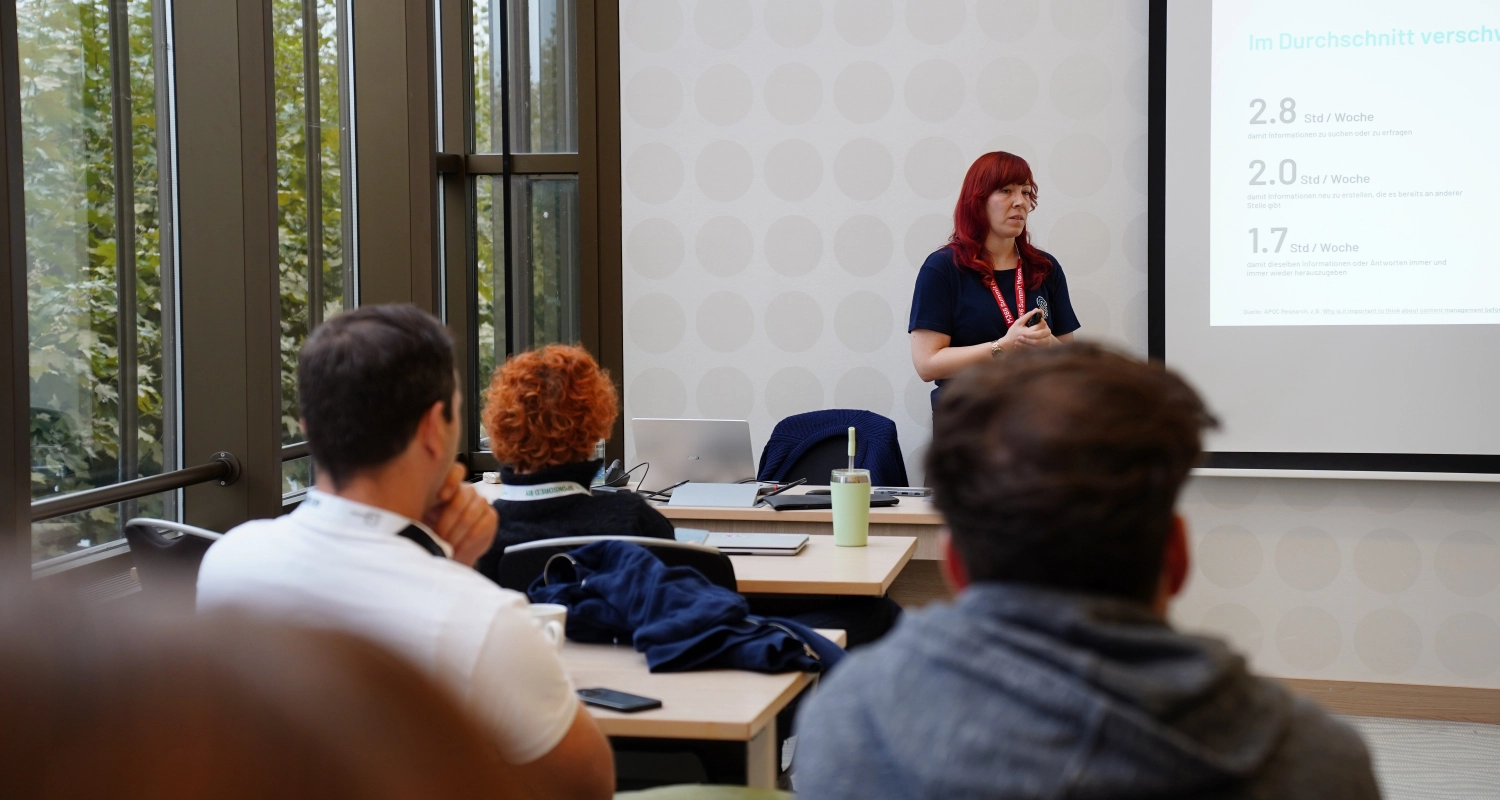
Create pages, understand navigation and information architecture, and manage the platform, including updates and knowledge management.
Design pages and news, distinguish knowledge from news, and use audience targeting and scheduling if desired. Q&A sessions accompany the launch.
A webinar on the new portal: where to find what, how search works, where to store documents. Recorded, it later serves as a training video.
Intranet projects are projects with people. How much effort concept and prototypes will take in the end cannot be predicted to the day.
That’s why we work with an open intranet calculator. Every work package is listed with a description and outcome, and you see a range based on our experience instead of a flat rate. If your team takes on tasks itself, such as internal coordination, the effort goes down.
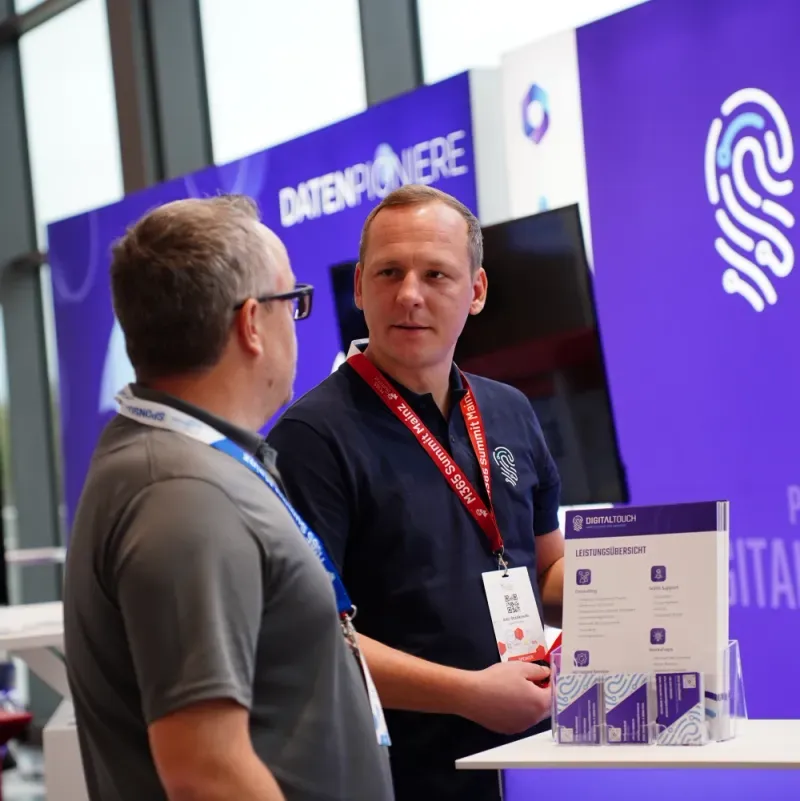
Then we start with a strategy workshop. We understand your requirements, show you what’s possible in our demo, and capture the details. Afterwards, both you and we can assess your project on a solid basis.
Then we assess your requirements together in a short call using our calculator. Or you go through the work packages yourself afterwards and adjust the selection.
We work with the standard multilingual features of SharePoint Online. On request, we implement automatic translation with Power Automate, Azure Functions or Azure Logic Apps, depending on what fits your environment.
Strategy workshop, budget indication or a first glow-up: we’ll find the right starting point with you.
